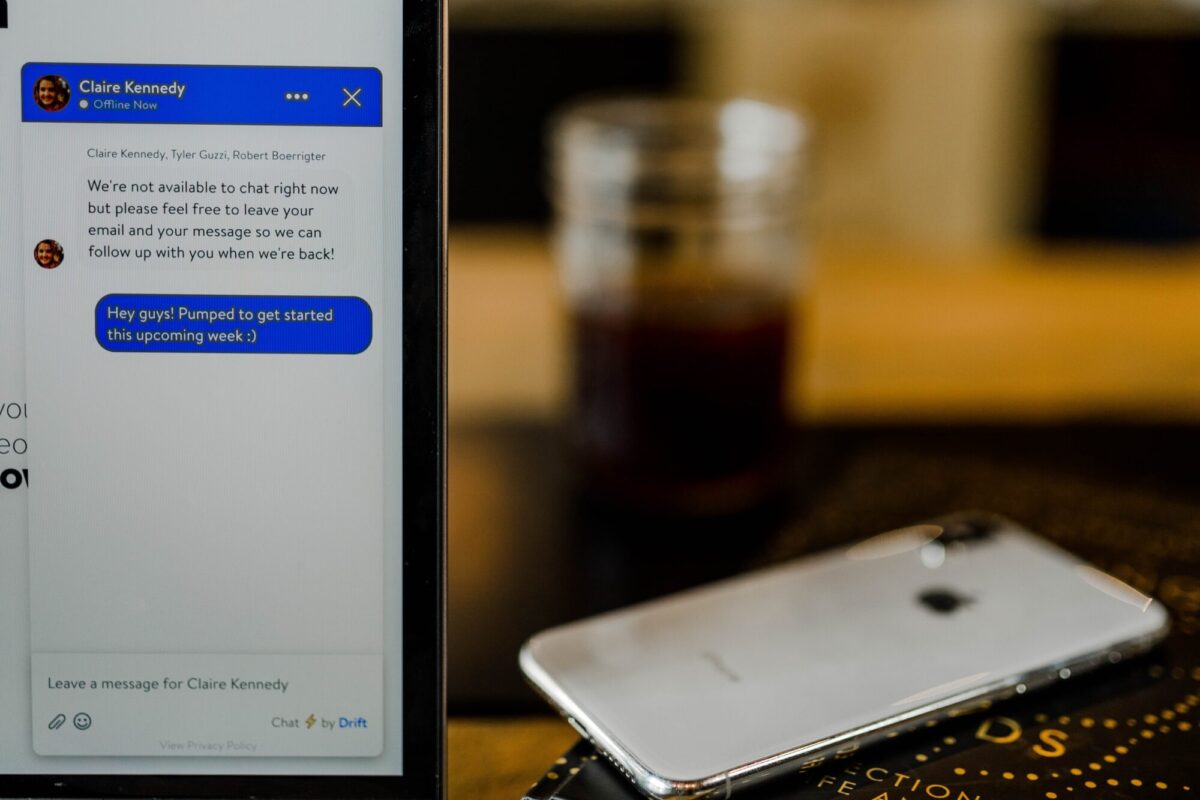
Live chat is an integral part of your customer service strategy. Not only does it help you provide better service, but it’s also an opportunity to convert more visitors into paying customers.
Through live chat, you can connect with your website visitors when they need help. It also provides a valuable data source to help you understand how your customers use your site and what they want from it.
To get the most out of live chat, ensure it is set up correctly and your team is trained to use it effectively.
With that said, here are some top tips for making sure live chat works for you:
1. Get to know your customers better
When you start a live chat on your website, you probably have a target audience in mind. The best way to serve this audience is to learn more about them by listening to their requests and acting accordingly.
For instance, if your customers ask for an additional service in your offerings, say administration support, be proactive and provide just that in the shortest time. You’ll easily generate more leads and get repeat clients by honouring clients’ requests promptly.
Remember, knowing your customers shouldn’t be rocket science. You only need to be keen about the questions they ask and requests they make to get insights about what they like (their needs and preferences) and give them exactly that!
2. Use conversational, natural tone
Your customers want to feel like they are talking to a real human, not a bot. Leverage that by using conversational, natural language to build a rapport with your audience. While at it, ensure you’re consistent with the style and tone of your brand in your live chats.
Don’t forget to be friendly to your clients. Begin by introducing yourself and asking how you might be of help. Be professional yet polite in your approach. If you implement the human element and engage your clients, you’re likely to attract more users to your live chats.
3. Speed is everything; give prompt responses!
In today’s fast-paced world, making your chat 24/7 is not an option. Your customers should be able to get accurate and complete answers about your products or services on their first contact, lest they go to your competitors. According to a report by Forrester, about 53% of customers will abandon an online purchase if they don’t get those answers promptly.
Speed and responsiveness save time and improve the overall experience of your site visitors. So ensure there’s always someone to respond to your clients whenever they visit your site. If you cannot provide 24/7 human chat service reps, consider using automation as well. Combining bots and human agents will help you provide 24/7 services while keeping operational costs low.
4. Implement automated triggers
Automated triggers allow you to set up triggers for specific user behaviours, such as signing up for a webinar or downloading a whitepaper. You can then deliver automated messages based on those actions.
This includes thanking them for their interest in the product or informing them that they’ve signed up for something they didn’t intend to.
5. Chat when it is convenient for your customers
Let’s get this out of the way first: there is no one perfect time to chat with your customers. The best time to chat live on your website and in other channels will depend on the types of customers you serve.
But there are some general guidelines that can help you make the best choice.
- Find out when your customers are most likely to be online.
- Make sure that you are available during those times—and then again, just as important: make sure that someone else is available as well! Even if a customer does not respond immediately (or ever), they know someone will be there for them when they need it.
- Make sure you have a “chatbot” system implemented so that customers can always reach someone if needed, even if no human reps are available at any given time
6. Get your FAQs straight and have them at hand
If a customer has a question, ensure you can answer it quickly and adequately. The best way to do this is by having a set of Frequently Asked Questions (FAQs) that you can send to customers who ask questions about particular topics.
When someone asks for help, instead of giving them a long, drawn-out answer, point them to your FAQs. This will save you time and help your customer get what they need quicker than if you had to explain everything repeatedly.
7. Have a dedicated support agent
When interacting with customers through live chat, having one person take all their queries can be great for efficiency. However, it can also cause problems if something goes wrong and they have no backup.
It’s much better if each team member takes responsibility for certain areas of the business so they know exactly what they’re dealing with when someone asks them a question. For instance, if you sell makeup products, one member of staff might be responsible for answering questions about eye shadow while another deals with lipstick and so on.
8. Display your hours of operation
Before you start, your hours of operation should be clearly visible on your website. If possible, consider posting them in other places, such as social media and newsletters.
You’ll also want to double-check that any links for live chat are correct and working. If you don’t have a live chat link on your website, consider adding one now.
9. End chats in a way that encourages further customer engagement
The end of a conversation is an excellent time to ask customers to rate their experience or provide feedback. Use the chat transcript as an opportunity to engage with the customer by offering follow-up information, like a link to your company’s blog or contact information for other support channels.
If you’re using live chat software that allows you to create custom exit messages, consider ending your conversations with one that encourages further engagement. You can also include links to social media profiles where customers can share their thoughts about your brand.
Remember that live chat isn’t just about answering questions — it’s about providing a great customer experience.
Final Thoughts
Live chat is a highly effective tool for your website that can help you engage with customers and boost your sales. It’s also easy to ensure your customers feel heard and cared for. We hope these tips have been useful in helping you get started with live chat on your website feel free to contact us via our live chat at Clyde Offices.