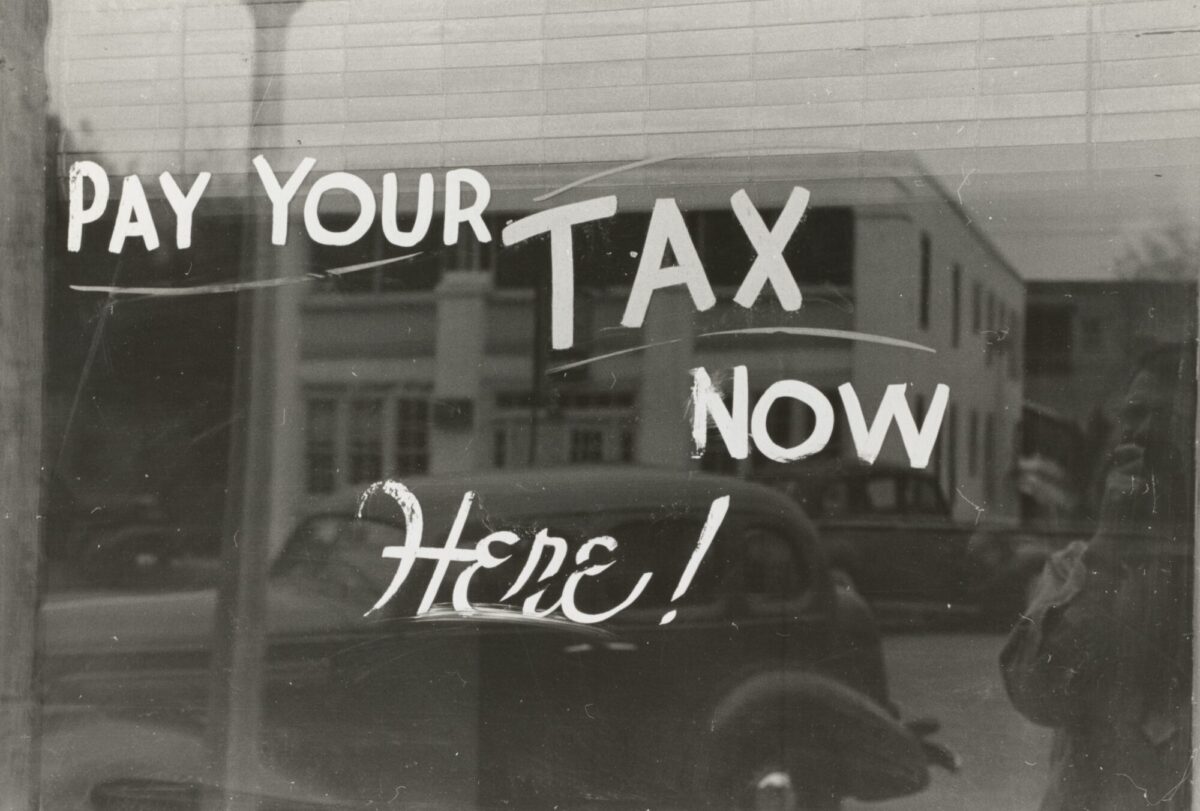
In the United Kingdom, value-added tax (or VAT) is a consumption tax placed on a product whenever value is added at each stage of the supply chain, from production to the point of sale. The tax is calculated as a percentage of the price of the good or service, and the end consumer ultimately pays the tax.
Paying VAT is compulsory for all businesses registered for VAT with HM Revenue and Customs (HMRC). Businesses must file a VAT return every three months, even if they have no VAT to pay or reclaim. VAT is collected by businesses and paid to the government. Businesses can recover VAT on their purchases of goods and services used for business purposes.
Why do we need to pay VAT?
In the United Kingdom, the value-added tax (VAT) is a tax on consumer spending. It is levied on most goods and services at a rate of 20%. The VAT is used to finance government expenditures and to reduce the budget deficit. It also acts as a deterrent to inflation by discouraging spending.
The VAT was introduced in 1973, replacing the purchase tax and other indirect taxes. Since then, it has been amended several times. The current system of VAT is complex, with different rates for different items. Some items are exempt from VAT, such as food and children’s clothes.
The UK government argues that VAT is a fair tax because it is paid by everyone who buys goods and services. The government says that VAT is a progressive tax, which means that people who spend more money pay more in taxes. The government also argues that VAT is a good way to raise revenue, as it is easy to collect and difficult to avoid.
How to register for VAT
To register for VAT, businesses must complete a VAT registration form and submit it to HM Revenue & Customs (HMRC). Businesses can register for VAT online, by post, or through their accountant. The registration process usually takes around 2 weeks. Once registered, businesses will be issued a VAT registration number which they must display on their invoices.
How to file a VAT return
Businesses must keep accurate records of their sales and purchases, and file a VAT return with HMRC each quarter. Returns can be filed online, by post, or through an accountant.
To complete your VAT return, you will need to include your business’s name, address, and VAT registration number on the return. You will also need to provide information on your sales and purchases, as well as the amount of VAT you have paid and collected. You can use accounting software to help keep track of this information.
Once you have completed your VAT return, you will need to submit it to your local tax authorities. You can usually do this online or by mail.
How to make a VAT payment
There are a few different ways that you can pay your VAT. The most common method is to use a debit or credit card. You can also use an electronic banking system, such as PayPal, to make your payment. If you prefer, you can also send a cheque through the mail.
Here is a step-by-step guide on how to make a VAT payment:
- Log in to your online banking account or go to your local bank branch.2. Make sure you have the correct VAT account number. This can be found on your VAT return form.
3. Enter the amount of VAT you need to pay. This should be the total amount shown on your VAT return form, minus any refunds you are due.
4. Choose the right payment method. You can either pay by direct debit or by making a one-off payment from your bank account.
5. Enter the date you want the payment to be made.
We recommend paying VAT online.
The benefits of paying VAT online
Paying VAT online has many benefits. Perhaps the most obvious benefit is that it is much more convenient than going to the post office or banks to pay VAT in person. This is especially true if you are a busy business owner with many other things to take care of.
A key benefit of paying VAT online is that it allows businesses to track their payments. This can be helpful in case there is ever a question about whether or not a payment was made. Online payments also provide businesses with a record of their transactions, which can be helpful for tax purposes.
Another great benefit of paying VAT online is that it is often cheaper. This is because there are no paper costs and no postal charges associated with online payments. In addition, some businesses may offer discounts for customers who pay their VAT online.
Finally, paying VAT online helps to speed up the process of getting your products or services delivered to you. This is because businesses can process online payments much faster than they can process payments made in person or by post.
The drawbacks of paying VAT online
There are a few drawbacks to paying your VAT online. First, if you make a mistake on your return, it can be costly to fix. You may also have to pay a penalty if you don’t file or pay on time. Finally, you will need to have access to a printer so that you can print out any forms that you need to mail in with your payment.
Conclusion
In conclusion, paying VAT online is a straightforward process that can be completed in a few steps. Business owners should make sure they are registered for VAT, have their VAT number handy, and know the amount of VAT they need to pay. They can then log into their online banking system and pay the amount due. Finally, business owners can and should keep a record of these transactions for their records.